Quick Start Guide
Quick Start
Go from your first login to a delivered report in eight steps.
Before You Begin
- You have an active IEFYX vendor account (sign-in at
app.iefyx.com). - A modern browser (Chrome, Edge, Firefox, Safari).
- For creating data you need the Admin or Penetration Tester role.
Eight Steps
- Sign in at
app.iefyx.com(complete OTP if 2FA is on). - Enable 2FA — Settings → Profile → Two-Factor Authentication (recommended).
- Add a customer — Customers → Add Customer.
- Add an application with full scope — Applications → Add Application.
- Record findings — manually, via bulk import, or from a connected scanner.
- Score & evidence each finding — use the CVSS calculator and attach proof.
- Generate the report — Reports → New Report → Generate PDF / HTML.
- Issue a certificate and deliver to the client.
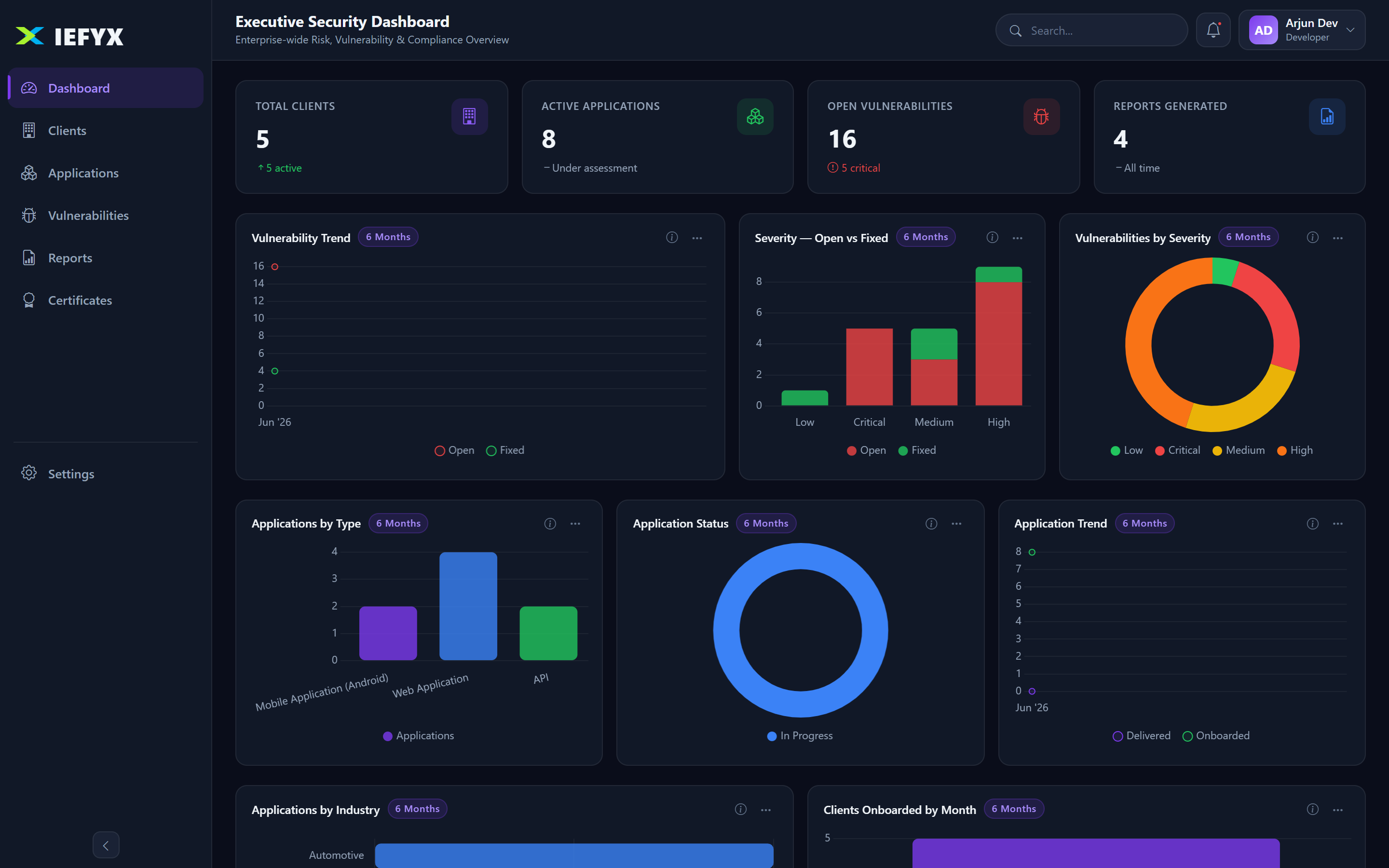
Your First Finding
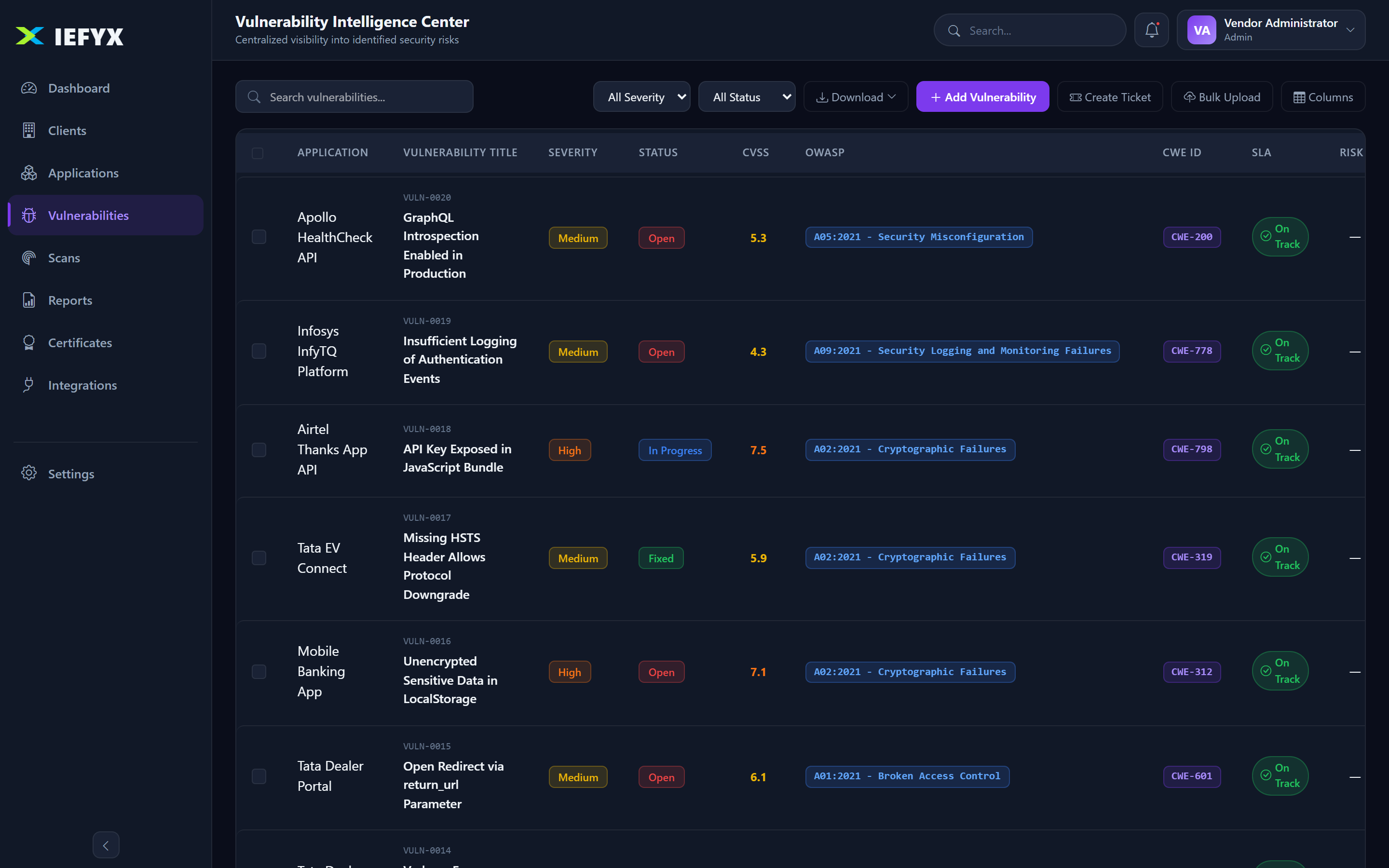
- Vulnerabilities → Add Vulnerability.
- Select the application, enter a title, and set the CVSS score — severity is derived automatically.
- Add CWE/OWASP/CVE/MITRE classification, write Impact / PoC / Remediation, and attach evidence.
- Save — the finding gets a risk score and an SLA deadline based on your Risk Configuration.
Tip. On a Free Trial you have full Enterprise features for 7 days — import a real engagement end-to-end before choosing a plan.